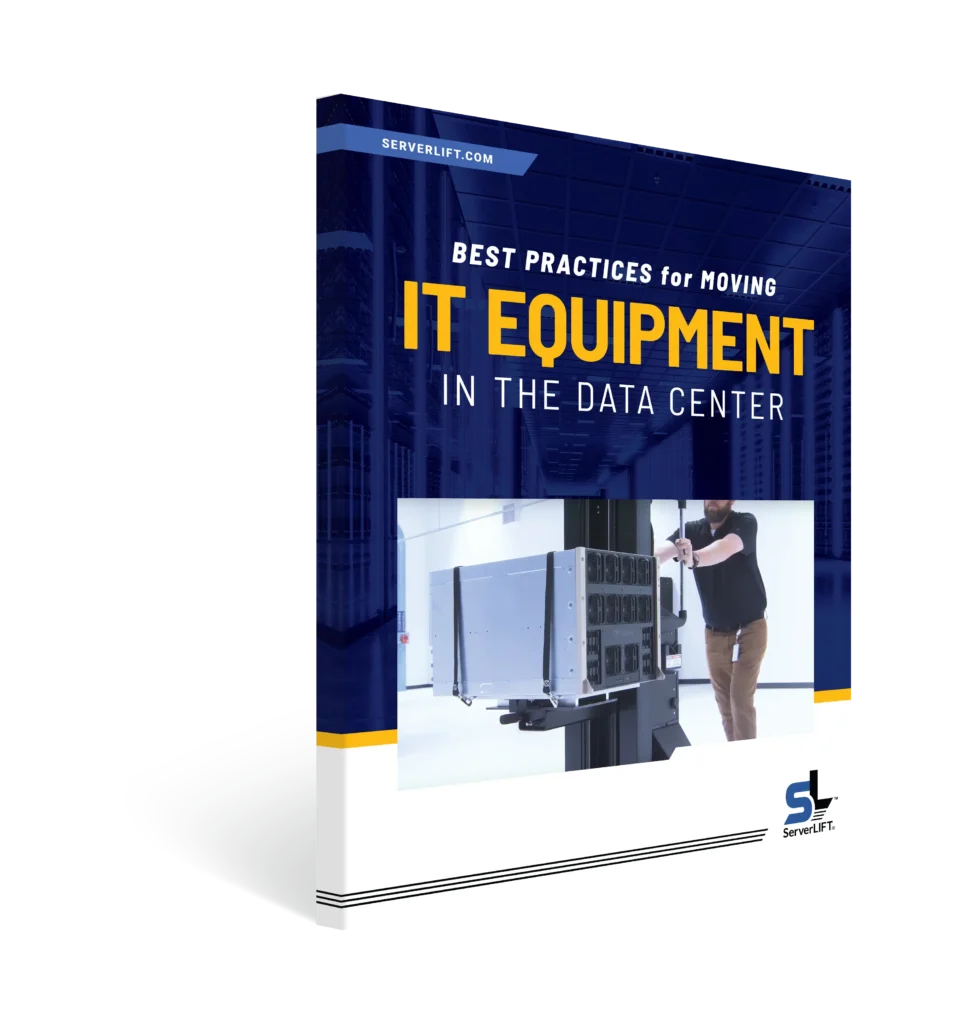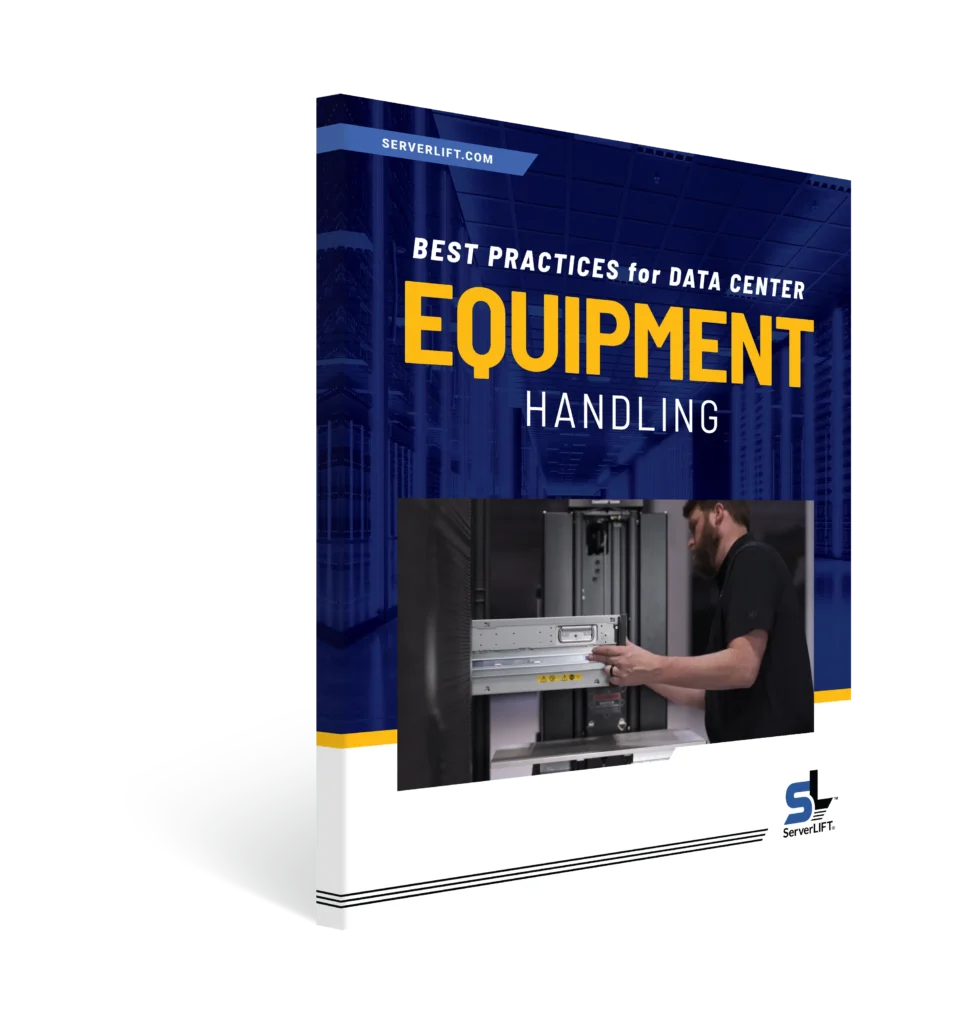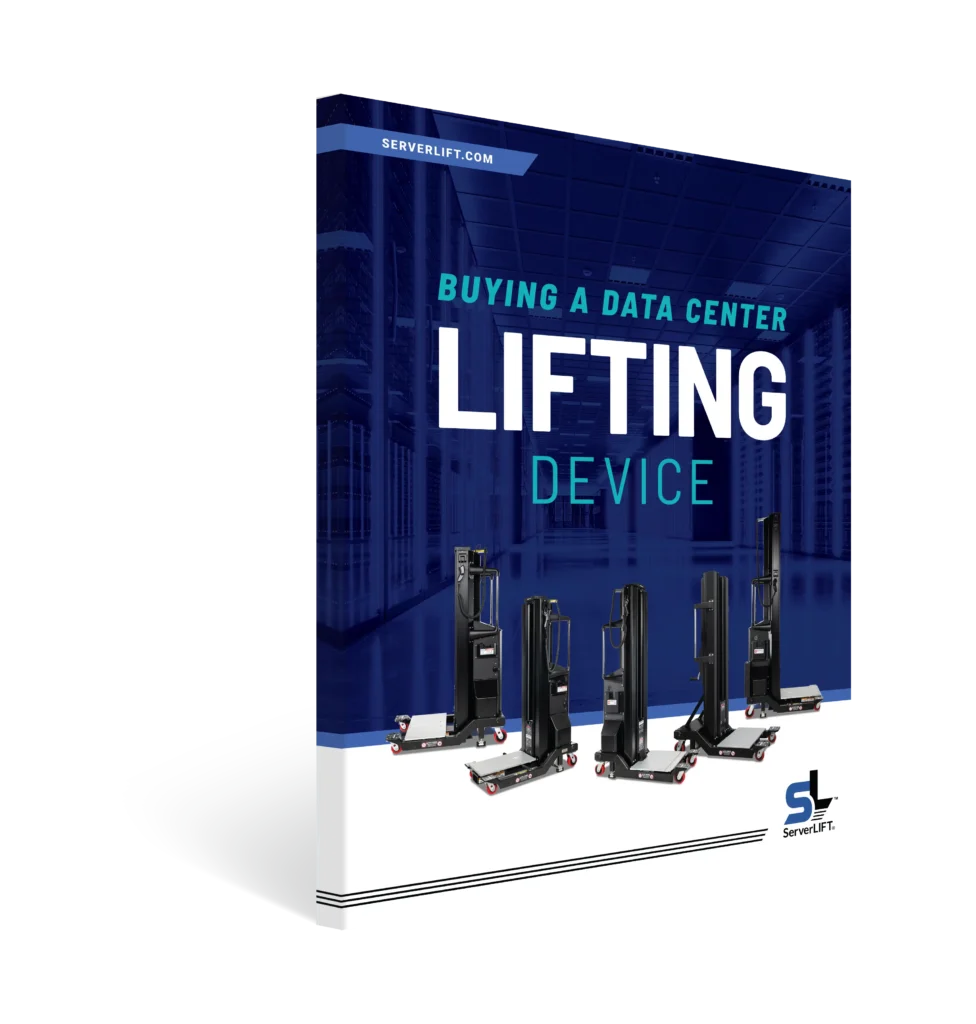

Distribution centers, freight terminals, and logistics hubs run on real-time data. Inventory systems, order platforms, conveyor controllers, sorting software, and scanner networks all produce it. Rack-mounted IT equipment powers every one of them.
That equipment lives in an on-site data center. Some are dedicated facilities. Others sit inside the warehouse itself. Either way, the equipment starts its journey in the same place: the loading dock.
A heavy piece of IT equipment arrives in a carton, often on a pallet. It has to come out of the box, cross the warehouse, travel down a narrow aisle, and slide into a rack. Later, it will move to another rack. One day, it will leave. Each step puts a technician and a very expensive machine at risk.
A ServerLIFT® data center lift handles every step. Here is how the journey works.
Step 1: Unpack at the loading dock
The box is where the trouble often starts. A technician cuts open a carton, grabs a heavy piece of IT equipment, and hopes a coworker shows up in time.
De LE-500X™ and LE-1000X™ attachments change that. Each extension attaches to a ServerLIFT® side-loading lift and reaches out in front of it. That reach gives your technician room to set hooks and slings over the equipment, even inside a box on a pallet. Each extension includes its frame, two slings, four hooks, and a storage bag.
Each attachment pairs with specific ServerLIFT® data center lifts:
| Lift extension | Compatible ServerLIFT® heis av datasenter |
| LE-500X™ attachment | SL-500X® Electric All-Purpose Data Center Lift |
| LE-500X™ attachment | SL-350x® Håndsvinget løft |
| LE-1000X™ attachment | SL-1000x® Super-Duty Lift |
Step 2: Lift it out of the box
One technician hooks the slings to the IT equipment and raises it. The IT equipment rises smoothly out of the carton or off the pallet. Nobody strains a back. Nobody risks a drop. The packaging stays intact, too.
Step 3: Load it onto the lift
Next, the technician lowers the IT equipment onto the lift’s platform. From here, the lift carries the weight. The technician guides the load. The IT equipment stays on the lift until it sits in the rack.
Step 4: Travel from the dock to the data center
The route across a warehouse rarely runs straight. It may include doorways, elevators, ramps, and tight corners. The SL-500X® data center lift has a compact mast that fits standard doorways and elevators. It climbs ramps up to 6 degrees. The SL-1000x® data center lift handles gradients up to 3.9 degrees.
Large swivel casters make turns easy. The front casters lock for straight runs. A dual-point stabilizer brake holds the lift steady at every stop.
Step 5: Install in the rack
Data center aisles are narrow, and they never change. Both lifts have a 24-inch base, so they fit even the narrowest aisles.
The technician lines the equipment up with the rack without repositioning the whole lift. A fine adjustment pendant handles the last few inches. Both lifts reach about 137 inches fully extended, so top-of-rack installs stay within reach. A TouchSTOP® overhead sensor stops the motor when it contacts an obstruction.
Step 6: Move IT equipment within the data center
Data centers change constantly. Teams rebalance racks, consolidate rows, and shift IT equipment closer to the systems it supports. The same lift handles each move. The technician slides the unit out of its rack onto the platform, rolls it to the new location, and installs it. Nobody carries anything. Nobody waits for a second person.
Step 7: Remove and retire old equipment
Every refresh ends with something coming out. The technician removes the old IT equipment from the rack, rolls it out on the lift, and returns it to the dock for shipping or recycling. The lift that brought the new IT equipment in carries the old IT equipment out.
Why a ServerLIFT® data center lift is vital to every data center operation
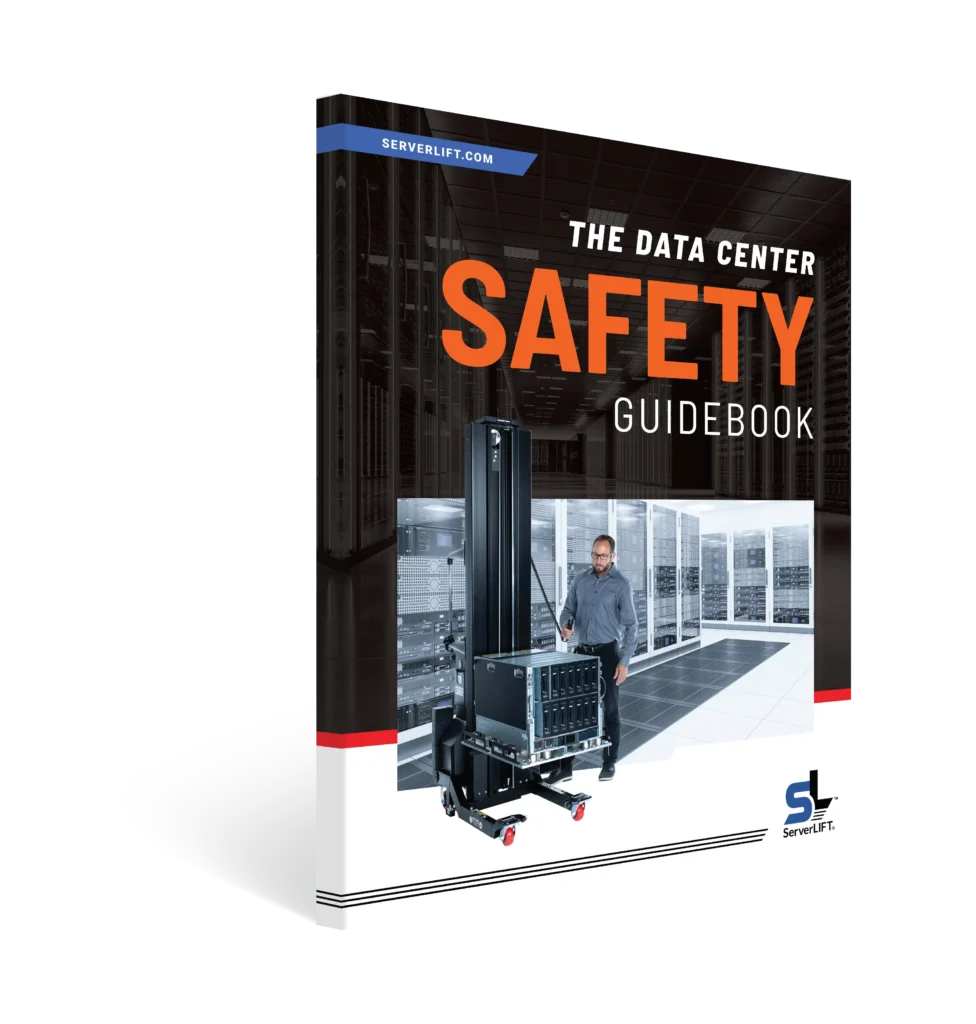
ServerLIFT® designs its data center lifts for the whole journey. They work at the dock, along the warehouse corridor, down the aisle, and at the rack face. A generic warehouse lift handles one of those places at best. It moves pallets across open floor space. It often does not fit data center aisles, and it lacks the fine adjustments a rack install demands.
Here is what that means for your operation.
It keeps your operations running. When a piece of IT equipment fails, the systems that guide receiving, picking, and shipping fail with it. One technician can unpack, move, lift, and install a replacement in minutes. Nobody waits for a team to assemble.
It protects your IT equipment. Conveyor and sortation controllers need careful installation. A forced connection or a small misalignment can damage them. A ServerLIFT® data center lift holds the load steady and aligns it precisely. Technicians never muscle a piece of IT equipment through the final few inches.
It protects your people. Upgrades and expansions can mean lifting, moving, and installing a lot of IT equipment. Using a ServerLIFT® data center lift lowers the risk of injuries, workers’ comp claims, and OSHA-reportable accidents.
It keeps every site consistent. A standard IT equipment-handling method gives every team the same equipment and process. A technician in one facility works the same way as a technician in another. That consistency also shows OSHA you take safety seriously.
It holds up during peak season. A major IT equipment swap can land in the middle of a shipping surge. Using a ServerLIFT® data center lift reduces errors and delays when volume is highest.
It pays for itself. Prevented accidents and shorter downtime earn back the cost of the data center lift, and then some.
Need a purpose-built, industry-standard data center lift for your data center? Kontakt oss, and we’ll help you choose the right solution for your environment.
FAQ
Can one technician take IT equipment from the loading dock to the rack?
Yes. A ServerLIFT® data center lift with the correct lift extension attachment enables one technician to unpack the IT equipment, remove it from the carton, and load it onto the lift. The technician then moves it to the correct location and installs it in the rack. The IT equipment stays on the lift the whole way.
Which ServerLIFT® data center lifts work with the LE-500X™ attachment and LE-1000X™ attachment?
The LE-500X™ attachment works with the SL-500X® Electric All-Purpose Data Center Lift and the SL-350X® Hand-Cranked Lift. The LE-1000X™ attachment works with the SL-1000X® Super-Duty Lift.
Why can’t we use our warehouse material-handling equipment in the data center?
Warehouse lifts move pallets across open floors. Data centers call for different skills: fitting down narrow aisles, aligning heavy IT equipment with rack rails, and placing it gently at the right height. A ServerLIFT® data center lift does all of that. It also works at the dock and along the route to the data center, so one tool covers the whole job.
Does the same lift handle moves and removals?
Yes. The lift that installs IT equipment also moves it between racks and takes it out at the end of its life. Technicians use the same equipment and the same process for every task.
How does a ServerLIFT® data center lift help during peak season?
It cuts time and risk for every IT equipment change. One technician can complete an install without waiting for backup. That matters most when the systems you are replacing support active order flow and you have no room for delays.