
 When you need to move server racks or cabinets to another location, you may think you’ll save time if you don’t unload all of the equipment first. Moving a fully loaded cabinet seems so much simpler than having to unpack everything, move it all, reassemble the components, and cross your fingers that everything has been configured correctly and still works as it should.
But is this the best way to move them?
There are two answers. The first is “No, unless your equipment was specifically designed for movement while fully loaded.” The second is “No, unless you have a device designed specifically for moving fully loaded racks or cabinets.” Never attempt a populated server move with a non-safety-certified solution or with a warehouse/material handling lift.
However, if you have rack-moving device that is designed to move fully loaded cabinets, then you can move them to your heart’s content. Here at ServerLIFT®, we are in the midst of developing such a product, but otherwise, to the best of our knowledge, none exist on the market that are safely up to the task.
Attempting to move full cabinets and racks fully loaded without the right equipment could result in many catastrophic problems:
When you need to move server racks or cabinets to another location, you may think you’ll save time if you don’t unload all of the equipment first. Moving a fully loaded cabinet seems so much simpler than having to unpack everything, move it all, reassemble the components, and cross your fingers that everything has been configured correctly and still works as it should.
But is this the best way to move them?
There are two answers. The first is “No, unless your equipment was specifically designed for movement while fully loaded.” The second is “No, unless you have a device designed specifically for moving fully loaded racks or cabinets.” Never attempt a populated server move with a non-safety-certified solution or with a warehouse/material handling lift.
However, if you have rack-moving device that is designed to move fully loaded cabinets, then you can move them to your heart’s content. Here at ServerLIFT®, we are in the midst of developing such a product, but otherwise, to the best of our knowledge, none exist on the market that are safely up to the task.
Attempting to move full cabinets and racks fully loaded without the right equipment could result in many catastrophic problems:
- Thin cabinet legs or casters could bend or even break off.
- Tiny casters could get stuck in precarious positions as you move over raised floors or ramps.
- The weight of a fully populated rack may exceed the weight limits of any elevators.
- Traversing ramps might be impossible. The angle would almost certainly cause an accident.
- Your delicate equipment could be damaged in transit, because forklifts are not meant for finesse jobs.
- The entire, populated rack could tip over, damaging it, other racks, the facility infrastructure, or worse yet people.
1. Make a plan before you touch anything.
You need to do a lot of work before you disconnect the first cable. Speak with your team, including any energy efficiency consultants you may work with, to devise a strategy for the move. You will need to answer several questions:- How will the move be carried out?
- How far do you need to move?
- What equipment will be needed to make the move successful?
- Which team members are in charge of which tasks?
- Will the new configuration support your cooling and energy-efficiency solutions?
- What are the problems you expect to encounter?
- Hva can you leave installed in the rack and what must be removed?
- How will you pack and move the equipment that was taken out of the rack?
2. Double-check power, space, and weight requirements.
Before you move anything, make sure the destination location can support the equipment you are relocating. In some cases, this means you need to inspect raised floors, elevators, and ramps for weight limits to ensure they can physically support your equipment. The last thing you want to do is move a heavy server rack or cabinet to its new home, only to have it crash through a raised floor tile that wasn’t intended to support the load.
Other factors to consider are whether the new destination offers the same power as your current location, whether the new space will need a different configuration for cooling or energy efficiency, and if there are any obstructions that may be in the way.
weight limits to ensure they can physically support your equipment. The last thing you want to do is move a heavy server rack or cabinet to its new home, only to have it crash through a raised floor tile that wasn’t intended to support the load.
Other factors to consider are whether the new destination offers the same power as your current location, whether the new space will need a different configuration for cooling or energy efficiency, and if there are any obstructions that may be in the way.
3. Back up all important data and gather equipment warranties.
Having a plan is great, but even the best plans can go awry. Plan for the possibility of losing some data or damaging a few pieces of equipment. You can anticipate and prepare for these kinds of problems. Make sure all important data is securely backed up on servers that will not be moved, and put together a folder with equipment manuals and warranty information so you have these documents readily available if and when you need them.4. Label everything as you disassemble it.
When you’re moving server racks and cabinets, you can easily lose track of where cables, mounting rails, power supplies, and even larger pieces of hardware fit into the big picture. You don’t want to get to your new location and realize you aren’t sure how everything fits back together. A good rule of thumb? If it moves or comes apart, put a label on it. Come up with a clear and solid labeling system. Many data centers use color-coded labels, but it won’t hurt to add more labels than necessary. As you work, double-check your updated design diagrams to make sure each label matches its corresponding place on the reference chart.5. Write down the exact position of each piece of hardware in the cabinet.
If your design diagram is detailed enough to include where each component goes inside of the rack or cabinet, you may be able to use it as a reference. If some components are missing from the chart or are not assigned to specific locations, you should write down exactly where each piece came from during disassembly. Otherwise, during reassembly, you may run out of space in the cabinet and have to start over. Use the rack unit numbers of the posts as a way to map out where each piece of hardware goes.6. Transport all equipment safely.
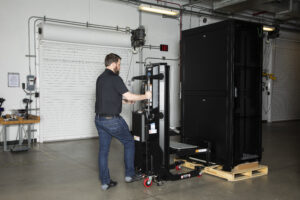 Forklifts and warehouse jacks are not viable means of transportation in data centers outside of the loading dock. Equipment is simply too delicate and expensive and aisles are too narrow to risk the massive damage that forklifts can cause.
Do not ask your employees to manually lift servers or cabinets. Lifting heavy, expensive components without the proper tools could result in serious injuries or equipment damage.
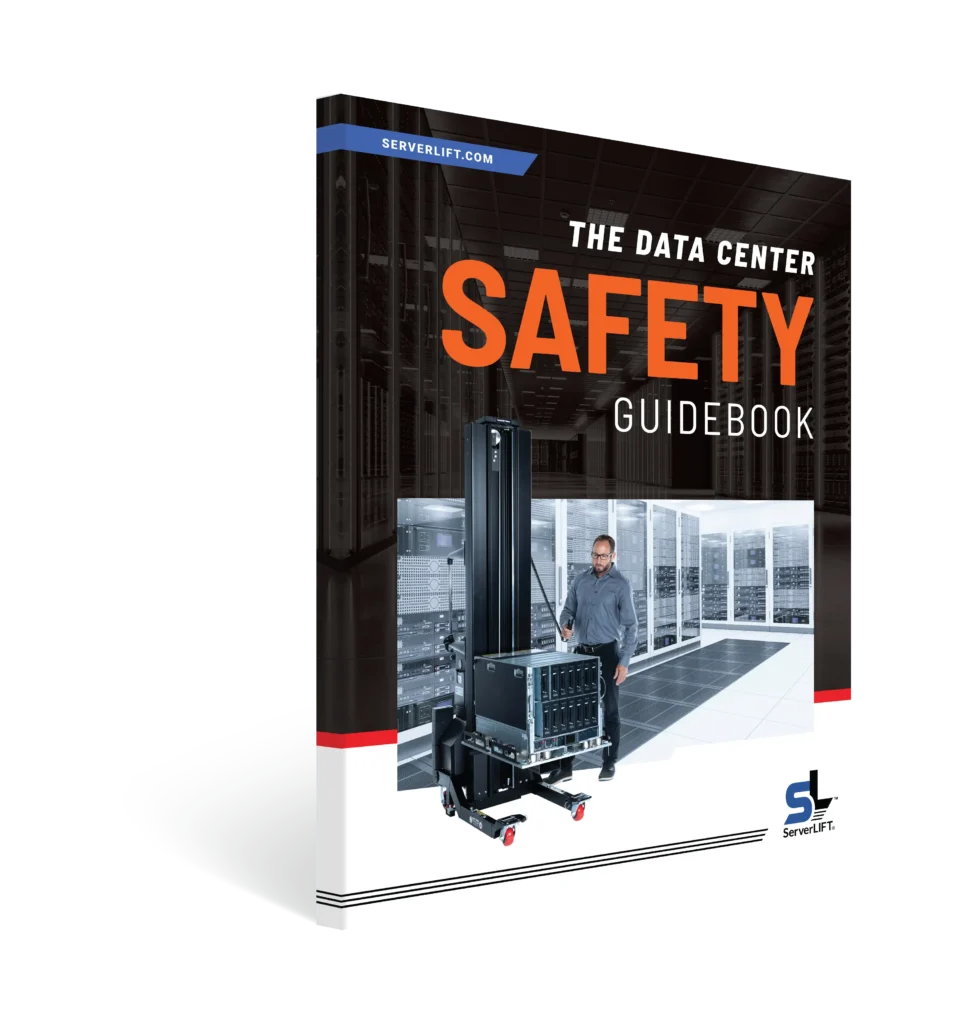
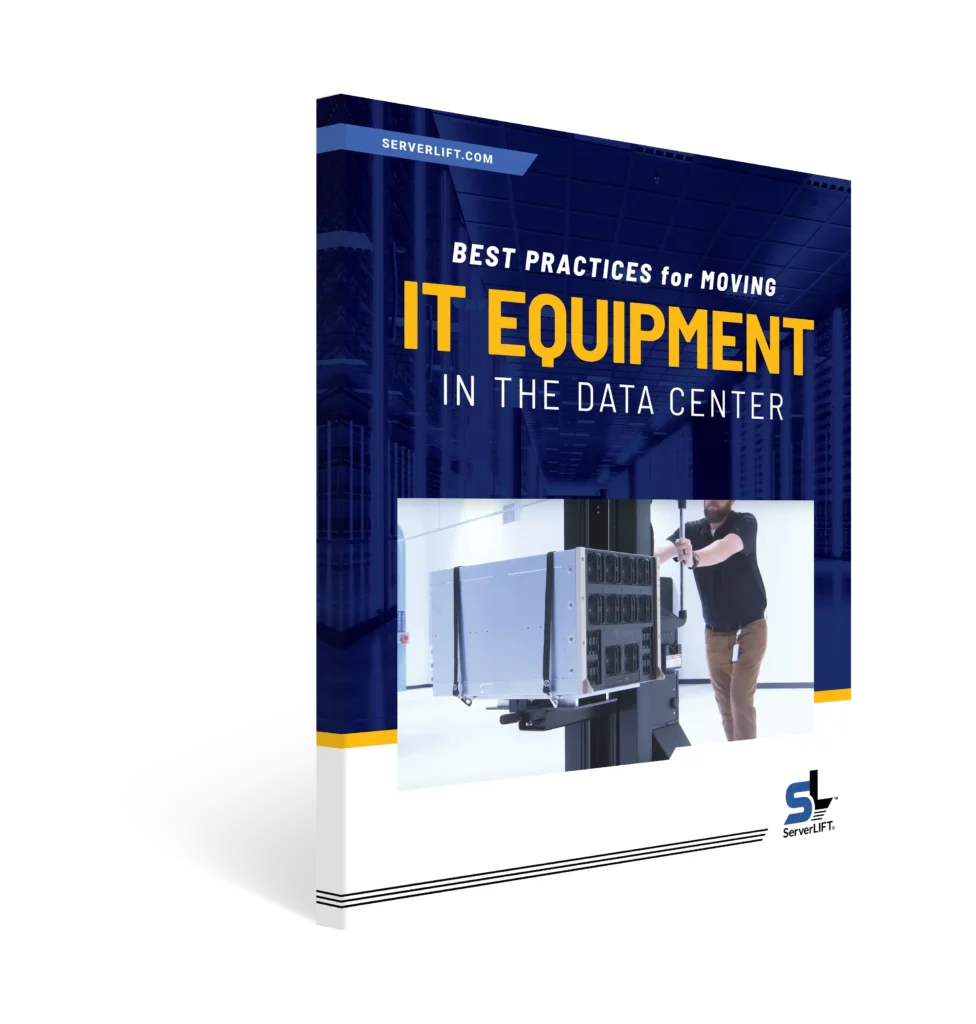
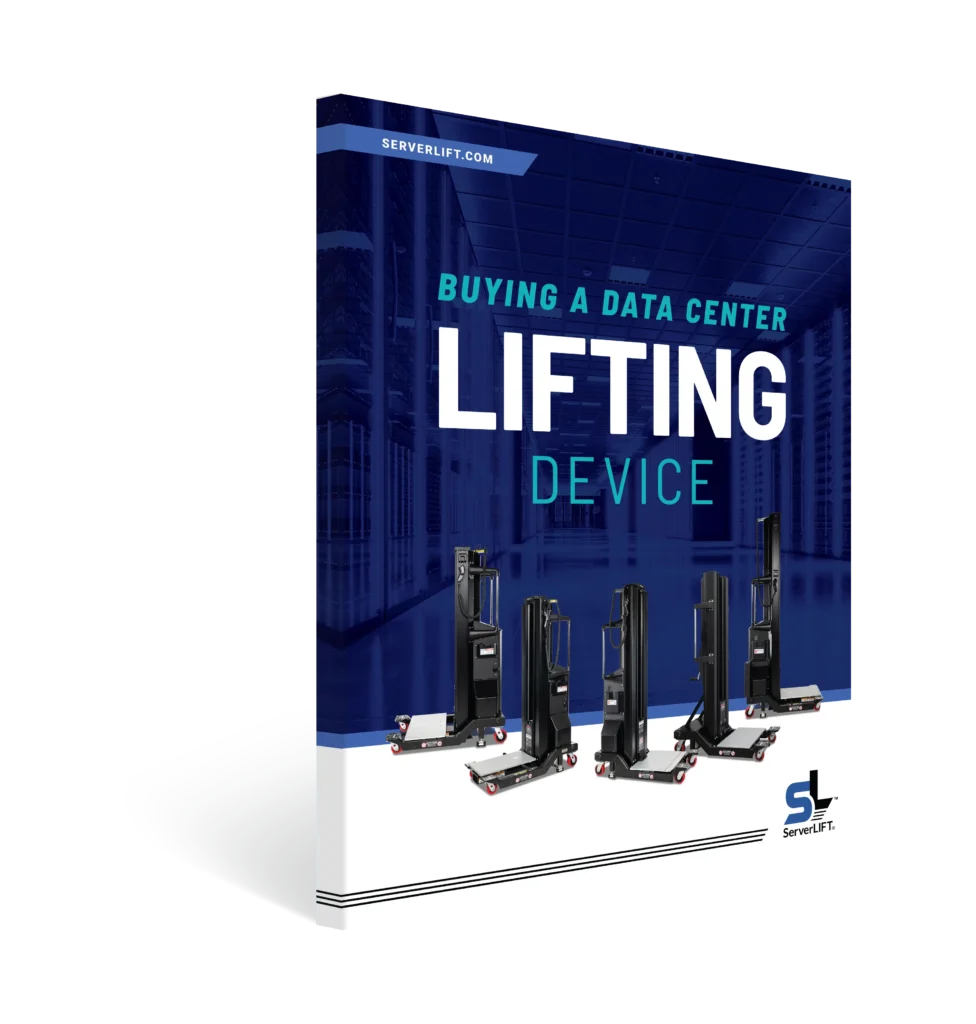
Instead, opt for specialized data center lifting devices such as the SL-500X Powered Lift by ServerLIFT®. These kinds of server-handling devices are built to efficiently move servers and other critical hardware with a minimum of effort and a maximum of safety.
In many cases, mounting rails, cable management hardware, and PDU’s may be left on the rack if properly secured, wrapped, and protected.
Remember to factor in the safety of the data that is stored on each server, not just the servers themselves. Pack any servers that contain sensitive data into locked containers and establish a chain of custody for responsibility so that there can be no question of data security during the move.
Forklifts and warehouse jacks are not viable means of transportation in data centers outside of the loading dock. Equipment is simply too delicate and expensive and aisles are too narrow to risk the massive damage that forklifts can cause.
Do not ask your employees to manually lift servers or cabinets. Lifting heavy, expensive components without the proper tools could result in serious injuries or equipment damage.
Instead, opt for specialized data center lifting devices such as the SL-500X Powered Lift by ServerLIFT®. These kinds of server-handling devices are built to efficiently move servers and other critical hardware with a minimum of effort and a maximum of safety.
In many cases, mounting rails, cable management hardware, and PDU’s may be left on the rack if properly secured, wrapped, and protected.
Remember to factor in the safety of the data that is stored on each server, not just the servers themselves. Pack any servers that contain sensitive data into locked containers and establish a chain of custody for responsibility so that there can be no question of data security during the move.